Laser cut lamp files
By Shadowbox Studio · Updated
Most laser cut lamp templates are a fixed design in a fixed size: you get what the seller drew, for the sheet they used. Shadowbox Studio makes the template from your own drawing instead, sized for your wood and your laser bed, and the finished lamp throws that drawing onto the wall as a shadow.
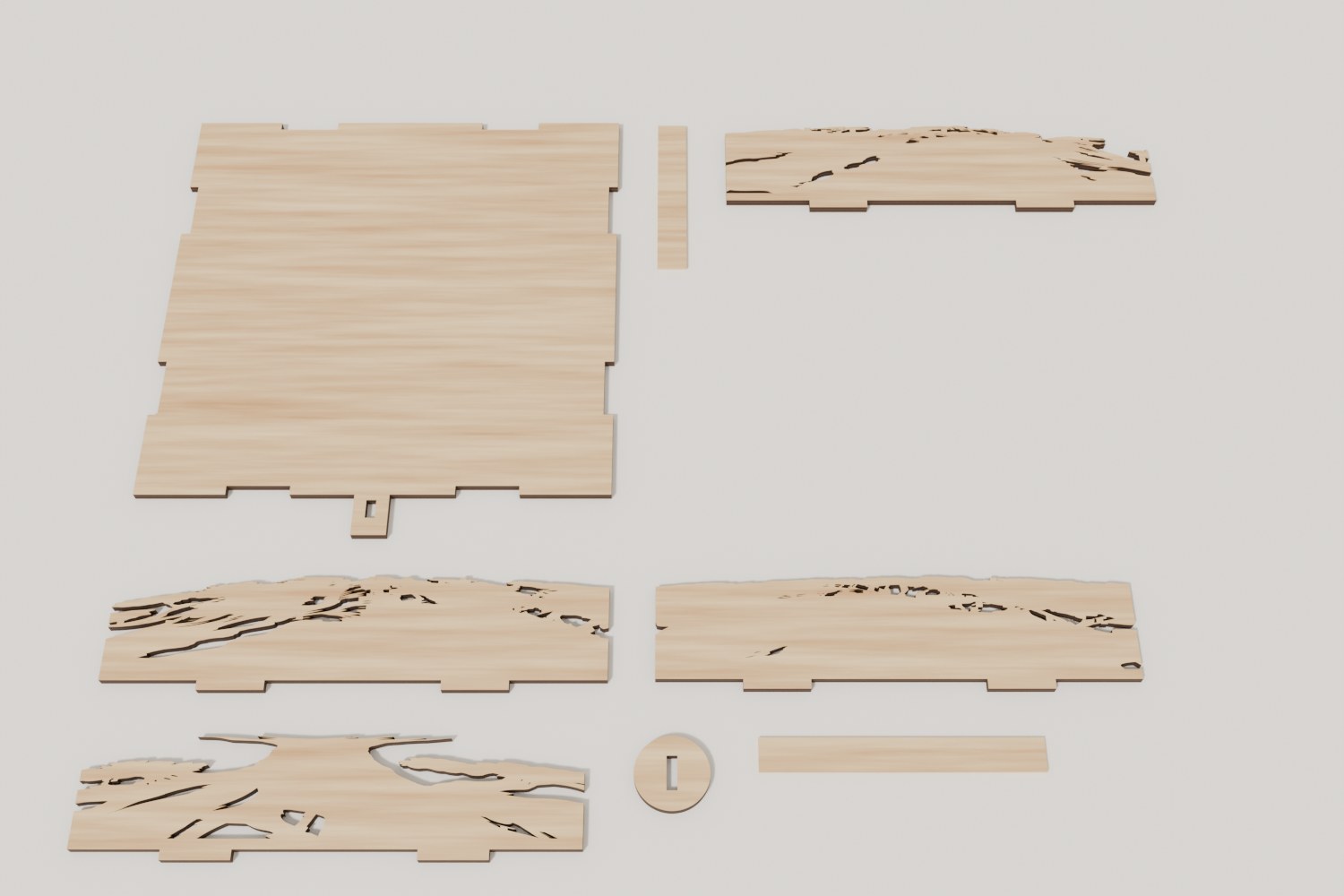
Which file for which laser
| File | Use it with |
|---|---|
| LightBurn project (.lbrn2), one per sheet | LightBurn, on diode, CO₂ or fibre lasers. Cut and engrave layers are already set up. |
| SVG sheets | Glowforge, xTool Creative Space, Epilog, Inkscape |
| DXF | RDWorks, LaserCAD and CAD programs |
Every download also has an assembly guide with the parts list for the light inside.
How the sheets are laid out
- Nested on your bed. You enter your bed size, and the parts are packed onto as many sheets as they need.
- Kerf compensated. The beam burns away about 0.2 mm on a diode. Holes and finger joints are offset for it, so the box goes together without sanding.
- Cut and engrave are separate. Engrave marks sit on their own layer, so you can run them first or skip them.
Material
The files are made for the thickness you set, around 3 mm: plywood or other wood, MDF, or opaque acrylic. Clear acrylic lets the light through, which spoils the shadow, and a diode laser can't cut it. Wood thinner than about 1.8 mm tends to burn away, so the studio flags it before you cut.
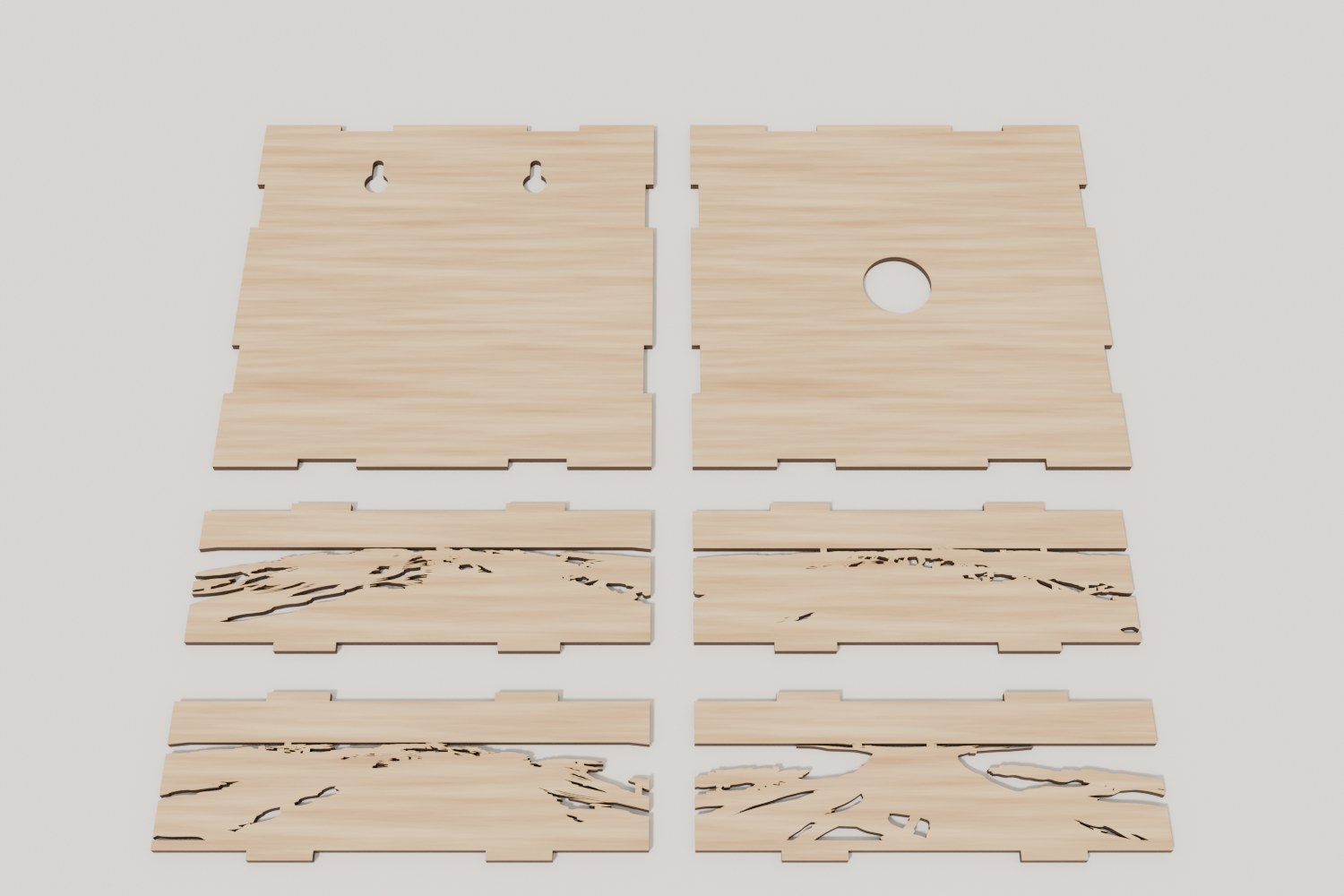
Before you cut
- Cut one small test piece to check your power and speed go through the sheet in one pass. We cut 3 mm plywood at full power and 4.5 mm/s on a 20 W diode.
- Keep the sheet flat. Warped plywood throws the focus off and leaves the thinnest wood uncut.
- Leave the parts in the sheet until the job ends, so nothing shifts under the beam.
Questions
Which file do I open on a Glowforge or xTool?
The SVG sheets. Glowforge, xTool Creative Space and Epilog all import SVG. Use the LightBurn project if you run LightBurn, and the DXF for RDWorks or CAD.
Will the parts fit on my laser bed?
Yes. You enter your bed size and the parts are nested onto as many sheets as they need.
Are the files free?
Designing and previewing is free. Cut files for one design cost a one-off price, or come with a plan.
See how the files are made: the shadow lamp generator.