Shadow lamp generator
By Shadowbox Studio · Updated
A shadow projection lamp is a small box with one LED inside. Its walls are cut so the light that escapes past them paints a picture on the wall, many times larger than the box. Working out those walls by hand takes geometry and a lot of test cuts. The generator does it from your drawing in a few seconds.
How it works
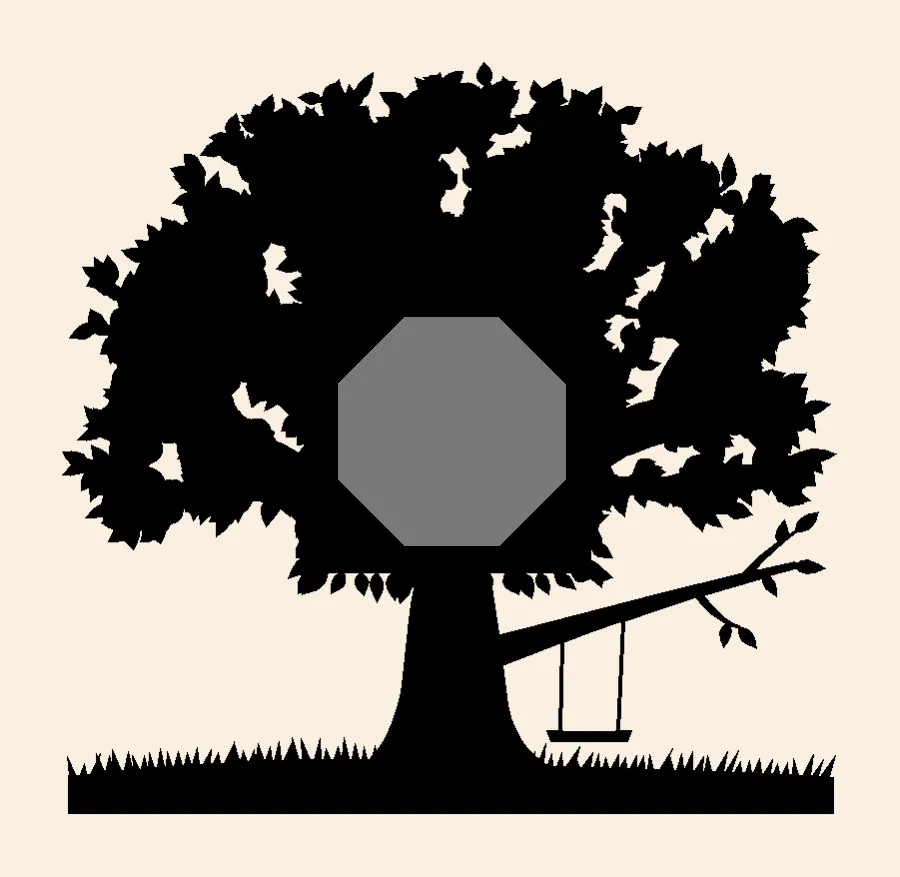
- Upload an SVG. Dark shapes become shadow. Or open one of the built-in examples.
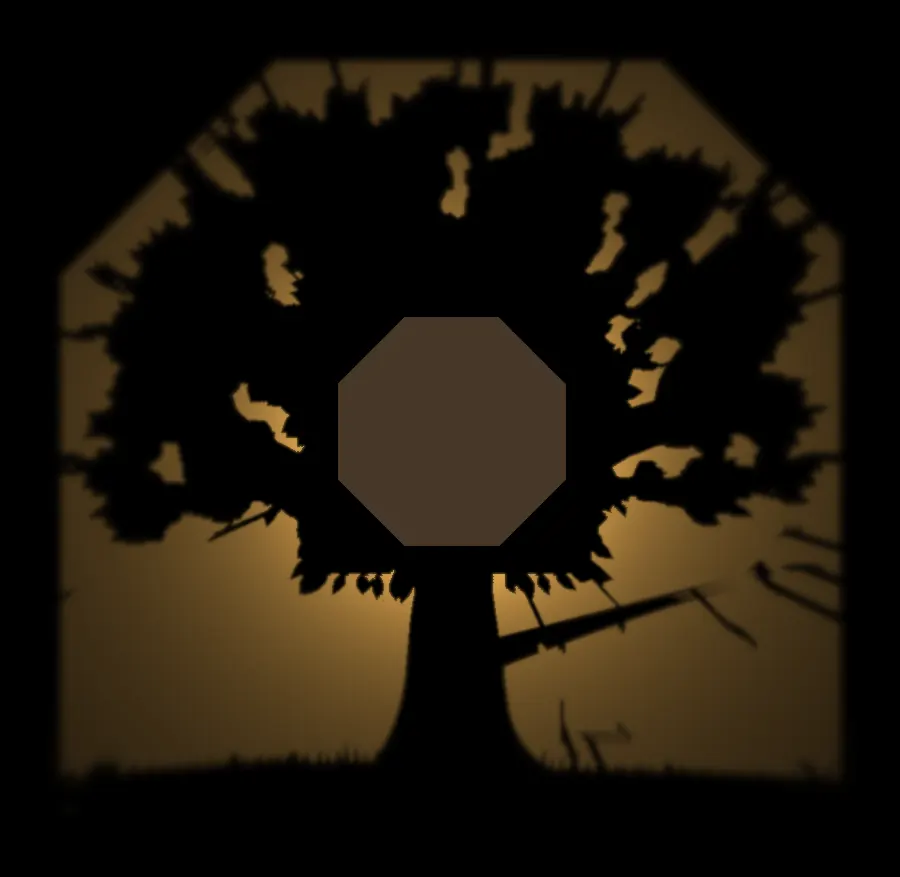
- Place the box on the darkest part of the drawing, such as a trunk or the middle of a mandala, so the box hides inside its own shadow.
- Set the sizes: how wide the box is, how wide the picture on the wall should be, and the thickness of your sheet. A 15 cm box throws a picture about 90 cm across at six times its size.
- Check the preview. The shadow is ray-traced through the real wall thickness, so what you see is what the cut box will throw. The preview also shows how bright the edge of the picture will be.
- Download and cut. Files come nested on your laser bed, ready for LightBurn, Glowforge, xTool, Epilog or RDWorks.
What it checks before you cut
- Thin wood. On our 20 W diode, wood under about 1.2 mm between two cuts burned away and 1.8 mm came out clean. The generator marks every spot thinner than your sheet can hold.
- Floating pieces. A shape with nothing holding it would fall out of the wall. The generator adds thin bridges to tie it on.
- Kerf. The beam burns away about 0.2 mm. Holes and joints are compensated so parts fit without sanding.
- Joints. Finger joints are sized to your sheet thickness and checked for weak spots.
Shapes and options
The box is a rectangle, hexagon, octagon or triangle. A framed box has a solid front panel and lights a clean rectangle of wall. An open box has no front: the tops of the walls follow the drawing, so the light ends where the picture ends.
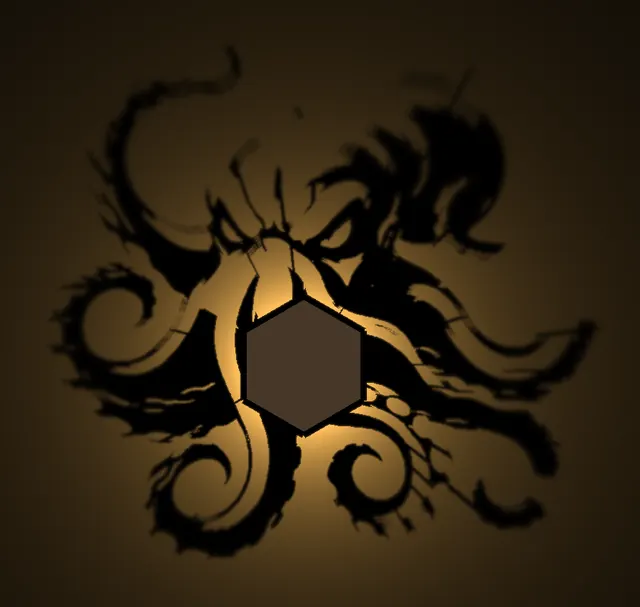
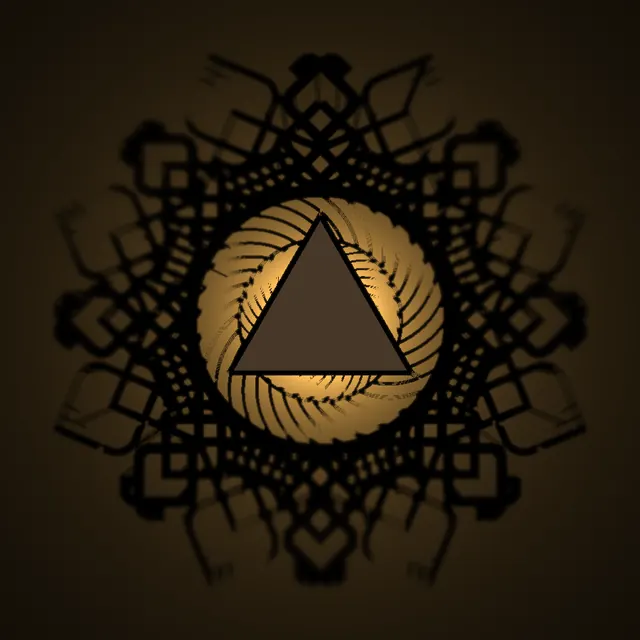
Corners can be finger-jointed, glued, or bent from one strip with a living hinge. Inside there is room for a 2 × AA battery holder, a rocker switch, a USB-C socket and a 433 MHz remote dimmer. The box can also turn slowly on a small motor, so the shadow rotates on the wall.
What you download
- A LightBurn project per sheet, with cut and engrave layers set up.
- SVG sheets for Glowforge, xTool and Epilog.
- DXF for RDWorks and CAD.
- An assembly guide for your box, with the parts it needs.
More on file formats: laser cut lamp files.
Questions
Do I need to know 3D or CAD to use it?
No. You upload an SVG, set the box size and how big the shadow should be, and the generator works out the walls. You only open the files in your usual laser software to cut.
Is it a 3D-printed lamp?
No. The generator makes flat parts for a laser cutter, in 3 mm plywood, MDF or opaque acrylic. The parts slot or glue together into a box.
Can I try it for free?
Yes. Designing and previewing is free. You pay when you download cut files: one design at a time or a plan.
Want the theory behind it? Read how to make a laser-cut shadow lamp.